通用升级说明
有关通用升级说明,请遵循以下说明。某些版本可能有特定的升级说明,这些说明将在更详细的升级指南中详述。
Kubernetes(Helm)
如果尚未添加该代码仓库,请运行以下命令来添加:
helm repo add langchain https://langchain-ai.github.io/helm/
更新本地 Helm 仓库
helm repo update
使用新版本中所需的任何更新来更新您的 Helm Chart 配置文件。这些更新将在新版本的发布说明中详细列出。
运行以下命令来升级图表(将 version 替换为你想要升级到的版本):
命名空间
如果您使用的是非默认命名空间,则需要在 helm 和 kubectl 命令中通过 -n <namespace 标志指定该命名空间。
helm upgrade <release-name> langchain/langsmith --version <version> --values <path-to-values-file>
验证升级是否成功:
helm status <release-name>
所有 Pod 均应处于 Running 状态。请确认 ClickHouse 正在运行,且两个 migrations 任务均已成功完成。
kubectl get pods

NAME                                     READY   STATUS      RESTARTS   AGE
langsmith-backend-95b6d54f5-gz48b        1/1     Running     0          15h
langsmith-pg-migrations-d2z6k            0/1     Completed   0          5h48m
langsmith-ch-migrations-gasvk            0/1     Completed   0          5h48m
langsmith-clickhouse-0                   1/1     Running     0          26h
langsmith-frontend-84687d9d45-6cg4r      1/1     Running     0          15h
langsmith-hub-backend-66ffb75fb4-qg6kl   1/1     Running     0          15h
langsmith-playground-85b444d8f7-pl589    1/1     Running     0          15h
langsmith-queue-d58cb64f7-87d68          1/1     Running     0          15h
验证您的部署:
-
运行
kubectl get services输出应类似于:
NAME                         TYPE           CLUSTER-IP       EXTERNAL-IP     PORT(S)                      AGE
kubernetes                   ClusterIP      172.20.0.1       <none>          443/TCP                      27d
langsmith-backend            ClusterIP      172.20.22.34     <none>          1984/TCP                     21d
langsmith-clickhouse         ClusterIP      172.20.117.62    <none>          8123/TCP,9000/TCP            21d
langsmith-frontend           LoadBalancer   172.20.218.30    <external ip>   80:30093/TCP,443:31130/TCP   21d
langsmith-platform-backend   ClusterIP      172.20.232.183   <none>          1986/TCP                     21d
langsmith-playground         ClusterIP      172.20.167.132   <none>          3001/TCP                     21d
langsmith-postgres           ClusterIP      172.20.59.63     <none>          5432/TCP                     21d
langsmith-redis              ClusterIP      172.20.229.98    <none>          6379/TCP                     20d
-
使用 curl 命令获取
langsmith-frontend服务的外部 IP 地址:curl <external ip>/api/info
{"version":"0.5.7","license_expiration_time":"2033-05-20T20:08:06","batch_ingest_config":{"scale_up_qsize_trigger":1000,"scale_up_nthreads_limit":16,"scale_down_nempty_trigger":4,"size_limit":100,"size_limit_bytes":20971520}}
检查版本是否与您升级到的版本一致。
-
在浏览器中访问
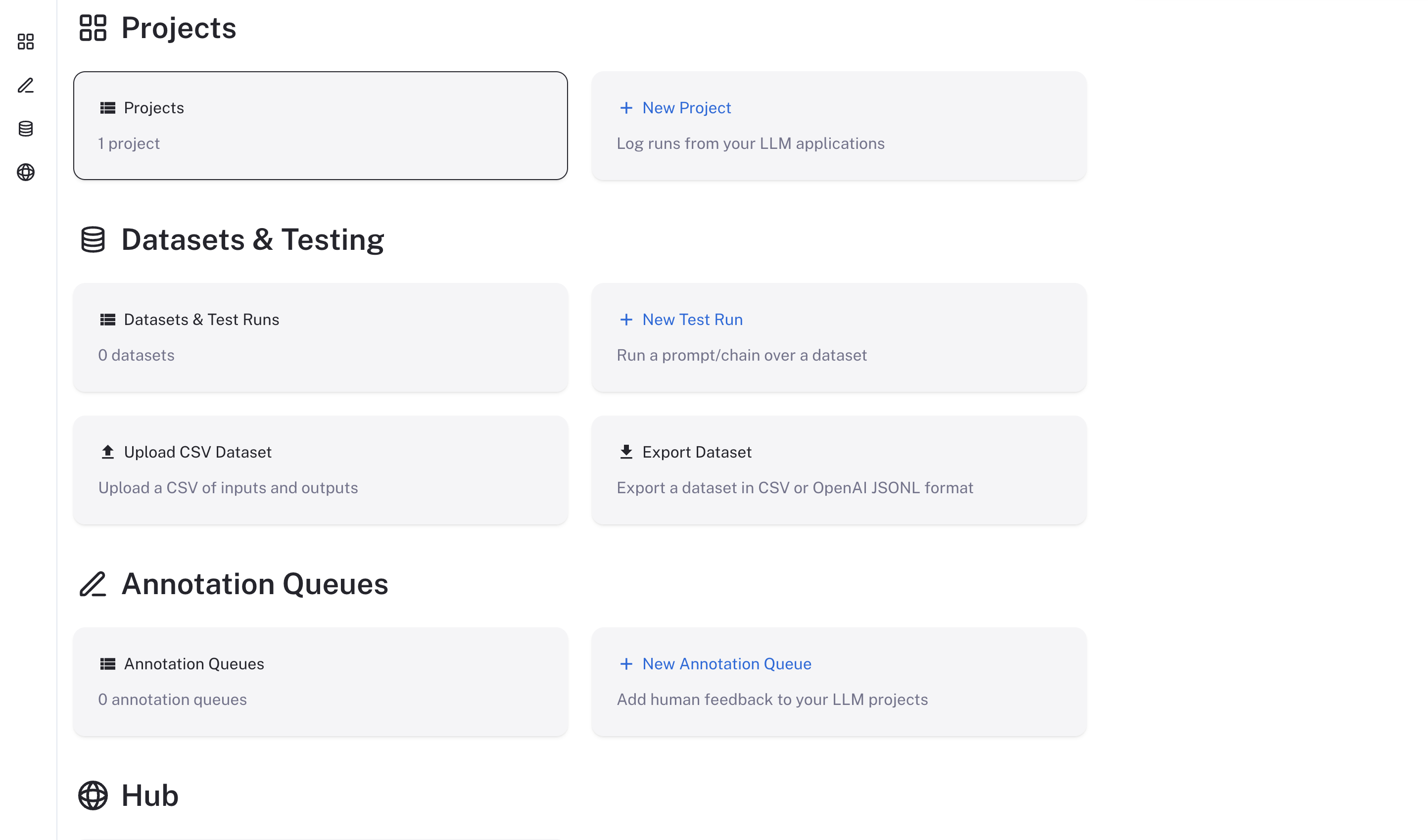
langsmith-frontend服务的外部 IP 地址LangSmith 用户界面应可见/可正常运行
Docker
升级 LangSmith 的 Docker 版本比 Helm 版本更为复杂,且可能需要短暂的停机时间。请按照以下说明升级您的 LangSmith Docker 版本。
- 将您的
docker-compose.yml文件更新为最新版本中所使用的文件。您可以在 LangSmith SDK GitHub 仓库 中找到该文件。 - 使用新版本所需的所有新环境变量更新您的
.env文件。这些环境变量将在新版本的发布说明中详细列出。 - 运行以下命令以停止当前的 LangSmith 实例:
docker-compose down
- 运行以下命令,在后台启动您的新 LangSmith 实例:
docker-compose up -d
如果一切运行成功,您应该会看到所有 LangSmith 容器均处于运行且健康的状态。
CONTAINER ID   IMAGE                                  COMMAND                  CREATED        STATUS                        PORTS                                                      NAMES
e1c8f01a4ffc   langchain/langsmith-frontend:0.5.7     "/entrypoint.sh ngin…"   10 hours ago   Up 40 seconds                 0.0.0.0:80->80/tcp, 8080/tcp                               cli-langchain-frontend-1
39e1394846b9   langchain/langsmith-backend:0.5.7      "/bin/sh -c 'exec uv…"   10 hours ago   Up 40 seconds                 0.0.0.0:1984->1984/tcp                                     cli-langchain-backend-1
f8688dd58f2f   langchain/langsmith-go-backend:0.5.7   "./smith-go"             10 hours ago   Up 40 seconds                 0.0.0.0:1986->1986/tcp                                     cli-langchain-platform-backend-1
006f1303b04d   langchain/langsmith-backend:0.5.7      "saq app.workers.que…"   10 hours ago   Up 40 seconds                                                                            cli-langchain-queue-1
73a90242ed3a   redis:7                                "docker-entrypoint.s…"   10 hours ago   Up About a minute (healthy)   0.0.0.0:63791->6379/tcp                                    cli-langchain-redis-1
eecf75ca672b   postgres:14.7                          "docker-entrypoint.s…"   10 hours ago   Up About a minute (healthy)   0.0.0.0:5433->5432/tcp                                     cli-langchain-db-1
3aa5652a864d   clickhouse/clickhouse-server:23.9      "/entrypoint.sh"         10 hours ago   Up About a minute (healthy)   9009/tcp, 0.0.0.0:8124->8123/tcp, 0.0.0.0:9001->9000/tcp   cli-langchain-clickhouse-1
84edc329a37f   langchain/langsmith-playground:0.5.7   "docker-entrypoint.s…"   10 hours ago   Up About a minute             0.0.0.0:3001->3001/tcp                                     cli-langchain-playground-1
验证您的部署:
-
使用 curl 命令访问
cli-langchain-frontend-1容器暴露的端口:curl localhost:80/info
{"version":"0.5.7","license_expiration_time":"2033-05-20T20:08:06","batch_ingest_config":{"scale_up_qsize_trigger":1000,"scale_up_nthreads_limit":16,"scale_down_nempty_trigger":4,"size_limit":100,"size_limit_bytes":20971520}}
1. 在浏览器中访问 cli-langchain-frontend-1 容器的暴露端口
LangSmith 用户界面应可见/可正常运行